💾 Complete Guide: IP Network Recorders (NVR) FAQ
The heart of your surveillance system. Learn how to select the appropriate NVR IP recorder, what is the input bandwith, how to select a hard drive and how to configure smooth recording and preview from cameras.
1. What is an IP recorder and what is used in the network monitoring system? +
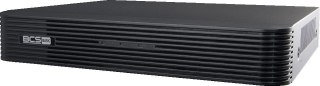
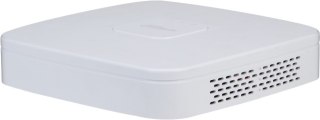
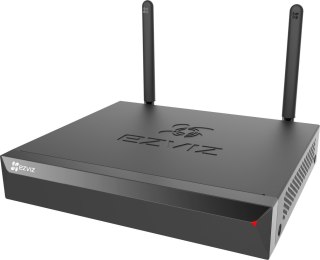
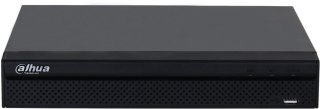
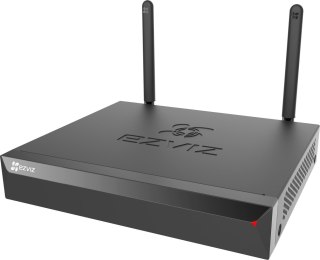
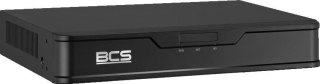
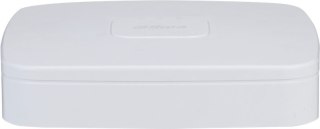
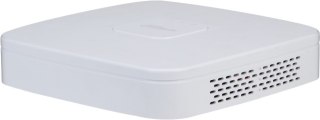
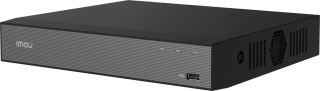
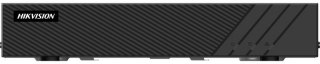
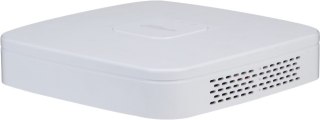
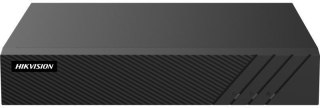
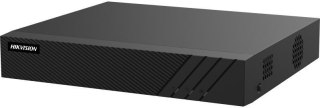
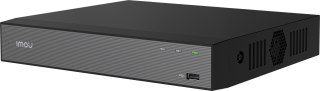
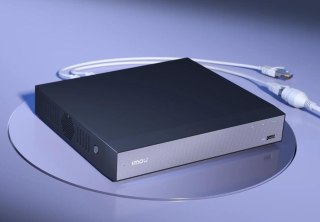
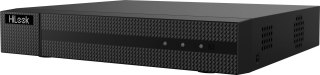
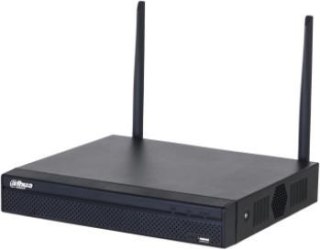
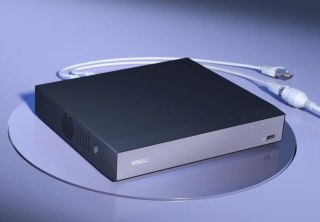
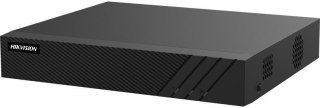
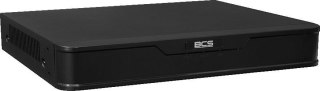
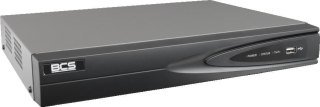
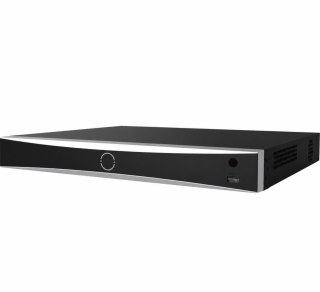
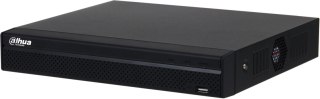
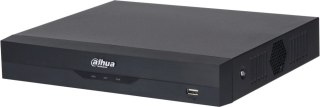
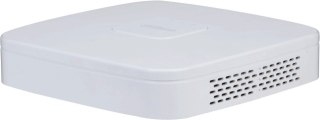
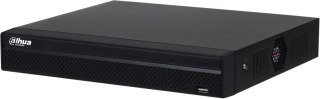
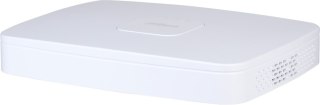
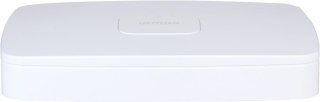
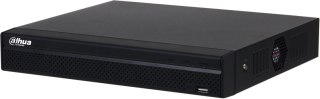
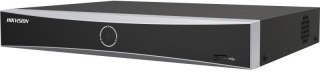
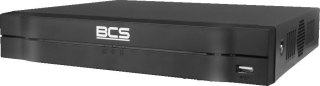
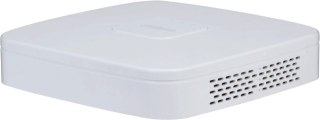
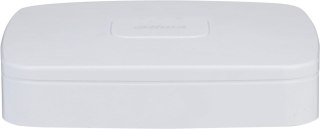
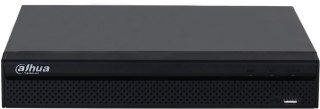
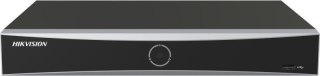
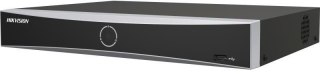
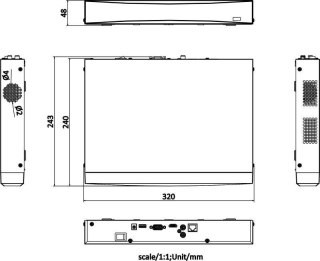
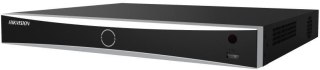
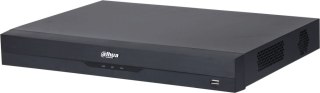
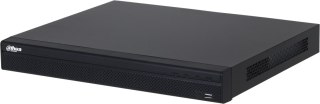
IP recorderalso known as NVR (Network Video Recorder), is the central control device and the heart of the digital monitoring system. Its main task is to continuously receive digital video stream from IP cameras connected to the LAN network, process it, display it on the monitor and save it safely on the internal hard drive. The network recorder also allows you to manage all cameras from one location, configure recording schedules, and share a preview on your mobile phone.
2. How is NVR different from DVR and XVR? +
The difference is the technology and the way data is transmitted. NVR recorder (network) works exclusively with digital IP cameras via a computer network and wire type cables (RJ45). In turn DVR and XVR recorders (hybrid) are designed to support older analogue systems (HD-CVI/AHD) and have characteristic round BNC sockets for coaxial cable on the back of the housing. NVR IP recorders offer much more computing power, higher resolution (4K) support and access to advanced AI analytics.
3. What should I pay attention to by choosing the number of channels in the network recorder? +
The number of channels determines how many IP cameras you can connect to your recorder. On the market are standard available 4-channel, 8-channel, 16-channel and 32-channel IP recorders. When choosing equipment, it is always worth buying a model with a light supply. If you plan to install 4 cameras around the house, choice NVR 8 channel recorder allows you to easily extend the monitoring by further points (e.g. garage or driveway) in the future without the need for costly replacement of the entire central device.
4. What is the input band (Bitrate In / Bandwide) in the specification of the NVR recorder? +
The input band (expressed in Mbps, e.g. 40 Mbps, 80 Mbps or 160 Mbps) is a key performance parameter that tells how much digital data the recorder can accept and save simultaneously from all IP cameras. Each camera generates a specified stream (e.g. the 4MP camera needs about 4-6 Mbps). Total streams from all connected cameras shall not exceed the maximum input band NVR network recorderOtherwise, the image will start to lose its cages, jam or the cameras will hang up randomly.
5. Is it worth buying an IP recorder with a built-in PoE switch? +
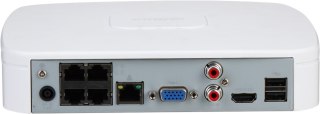
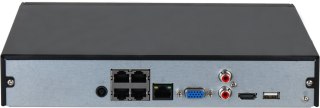
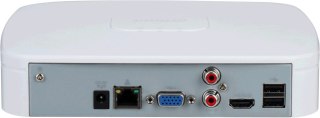
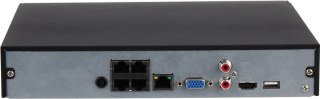
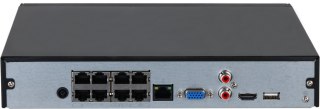
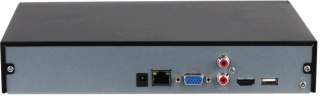
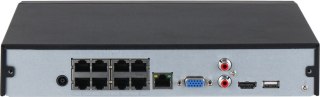
Definitely yes, if you care about maximum simple and quick installation. IP recorder with built-in PoE switch has RJ45 ready-to-use network ports at the rear of the housing, which power the cameras and receive images from them using one cable. Such a system works on the Plug-and-Play principle – when the cable is inserted from the camera directly into the recorder, the device automatically configures IP addresses and launches the preview, which eliminates the need for external switching and manual programming of the LAN network.
6. How is the recorder independent of the PoE switch for wiring? +
In the case of a recorder with a built-in PoE, from each IP camera you must bring a separate network cable directly to where the recorder stands. By standard NVR recorder (without PoE) you have more flexibility – you lead the cables from the cameras to the nearest external PoE switch (e.g. in the attic or in the garage), and from there only one main network cable runs to the recorder. This facilitates the optimization of cable routes in large buildings.
7. Which hard drive to the IP recorder to choose and why will the normal PC break down? +
For CCTV recorders it is absolutely necessary to use specialist hard drives for continuous operation 24/7, such as the series WD Purple or Seagate SkyHawk. The usual computer disks from the old PC are designed to work for 8 hours a day and for frequent downtimes. The video recorder forces continuous, intense recording of HD streams around the clock. A simple computer disk in such conditions will quickly be overheated and mechanically damaged, which threatens to permanently lose surveillance recordings.
8. How to calculate the required HDD capacity for the monitoring recorder? +
The required capacity depends on the number of cameras, resolution, frame number and compression. It is assumed that for 4 IP cameras with popular 4MP resolution (Super HD), with modern compression codec enabled H.265+ and continuous recording for 24 hours, 2TB hard disk Enough for about 10-14 days of history. If you change the recording mode to motion detection (instead of continuous), the same disk will allow you to preserve the video material for up to a month.
9. What happens when the hard drive in the IP recorder fills up 100%? +
You don't have to worry about manually formatting or cleaning memory. All Professional network recorder IP Hikvision or Dahua have default enabled function overwriting the oldest recordings (so-called loop). This means that when the HDD memory is fully filled, the recorder automatically removes the oldest day from history (e.g. two weeks ago) and in its place smoothly saves current events. Monitoring works without service.
10. How is the main stream different from the auxiliary stream in the NVR recorder? +
This is a function that optimizes network and device load. Main Stream is the image in full, highest resolution (e.g. 4K) and maximum quality – it is used by the recorder to write on the disk and display the image on the full screen of the monitor. Sub Stream is an image in deliberately reduced resolution (e.g. VGA or HD). The recorder uses it to smoothly display the network of multiple cameras simultaneously on one screen and to quickly upload the preview through the mobile app to the phone, saving your mobile data package.
11. Does the NVR IP recorder support intelligent AI analysis from cameras? +
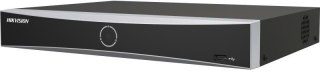
Yes, modern network recorders are fully adapted to work with cameras with artificial intelligence algorithms. For example, Hikvision AcuSense series recorders or Dahua WizSense / WizMind they can not only receive and save metadata, but also search the recordings themselves for specific events. In a few seconds, you can filter the entire week’s recordings by selecting the option “Show only the moments when a car entered the yard” or “a human figure has been detected”.
12. How do I download video from an IP recorder to a flash drive or computer? +
You have two simple methods to choose from. The first is a portable memory plug flash drive to USB port in the recorder, enter the play menu with the mouse, select an interesting time piece and click on the "Export" option. The second, more convenient method is to download the video directly through the network – you log into the recorder via the program on your computer (e.g. iVMS-4200 or SmartPSS) or the app on your phone and download the MP4/AVI video file directly into the memory of your device.
13. Can I connect a TV or monitor to the NVR network recorder? +
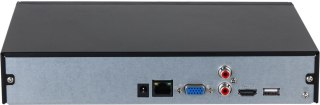
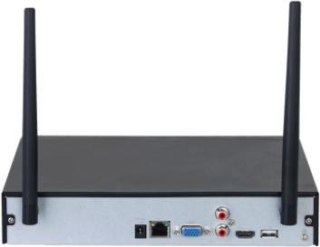
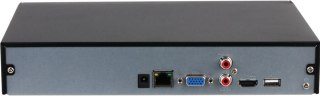
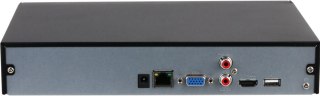
Yes, every professional IP camera recorder has standard video outputs on the rear panel: HDMI and VGA. With HDMI cable you can connect the recorder directly to the TV in the living room or a dedicated monitor standing on the desk. This allows you to enjoy a comfortable, constant live preview in the highest quality (4K/UHD), system management with the included USB mouse and fast browsing the saved history without using your computer or phone.
14. What does the "Decoding Capacity" parameter mean in the recorder? +
The decoding ability determines how many video streams in a given resolution the recorder can simultaneously process and display on a live screen. For example, a technical specification can say: "Decoding: 2-ch @ 8 MP or 4-ch @ 4 MP". This means that on the connected monitor NVR recorder display at the same time a maximum of 2 cameras in 4K or 4 cameras in 4MP resolution with full liquidity. This parameter applies only to live display – the recording itself on the disk always takes place in full resolution for all channels.
15. Where's the best place to hide a security camera at home to protect it from a thief? +
The recorder is a key element – if a thief enters the house and steals it, you will lose all evidence of the crime. Therefore, it must not be put in a visible place, e.g. on the RTV cabinet under the TV. Best places to install digital recorder closed, hard-to-access spaces: attic, attic, closet, ventilated cavity or special, metal Rack Rack Rack locked on key (preferably mounted high under the ceiling). It is also worth to configure the automatic sending of alarm event images to the external server (FTP / Cloud).
16. How many SATA hard drives can I mount inside one IP recorder? +
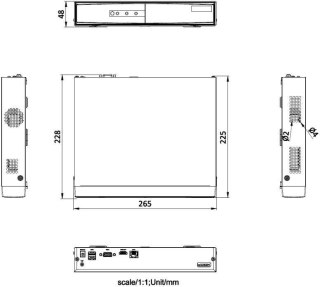
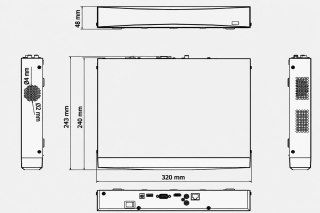
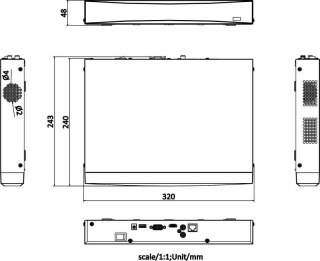
The number of disks supported depends on the physical size of the recorder housing. Smallest home NVR network recorders service 1 SATA disk with a capacity typically up to 6TB or 8TB. Larger professional models have wide housings and more powerful power supplies, allowing installation 2, 4, or even 8 hard drives at the same time. This allows you to create a powerful disc space for recordings, necessary in industrial, corporate and urban systems.
17. What is the ANR function in NVR network recorders? +
ANR (Automatic Network Replenishment) is an advanced rescue function that protects the continuity of the recording. If there is a failure of the LAN network in your home (e.g. the router suspends or the network cable connecting the IP camera to the recorder is damaged), the recorder will lose the connection. The IP camera with the ANR function and the MicroSD memory card immediately detects no connection and starts saving the image locally on the card. When the network failure is removed, NVR recorder automatically downloads missing footage from camera memory card And they'll merge it into one whole on the main drive.
18. Does an IP recorder need a continuous Internet connection to record? +
No! No! It's a common myth. IP network recorder works 100% locally. This means that downloading the image from the PoE wired cameras and saving the video stream to the HDD is done inside your home in a closed LAN network and does not require a single byte of connection to the fiber or cellular Internet. The Internet is only needed for one purpose: when you want to connect to the recorder remotely, being away from home, using your smartphone or computer.
19. How to reset the forgotten password to Dahua or Hikvision IP recorder? +
For security reasons, today's monitoring systems do not have universal service passwords. To reset the password in Hikvision recorder, use the SADPTool program on your computer, export a special XML file or QR code and send it to the vendor's technical support. In case of Dahua recorders, reset can be done by the DMSS application itself, scanning the QR code of the password reset displayed on the monitor and providing the verification code sent to your email address assigned during the first device configuration.
20. Why buy an IP network recorder in the authorized MikaShop.pl store? +
Buying NVR network recorder at MikaShop.pl, you get the equipment 100% original, coming from the official Polish distribution network with the full right to free software updates (firmware) and full guarantee. Most importantly, as a store run by active low-current system installers, we provide our customers with complete free technical support**. We will help you select the recorder under your IP cameras, advise you when installing the disk, and help you remotely in the full network configuration and running the app on your phone!